Email templates & notifications
Manage booking and inquiry email templates in the app. Use the Notifications feed for in-app alerts, and set preferences so your team only sees what matters. Shopify order confirmation Liquid is merchant paste-only. copy from the setup card, paste in Shopify; the app does not silently overwrite it.
SMTP, Resend, and platform delivery are configured under Settings → Email. See Email delivery.
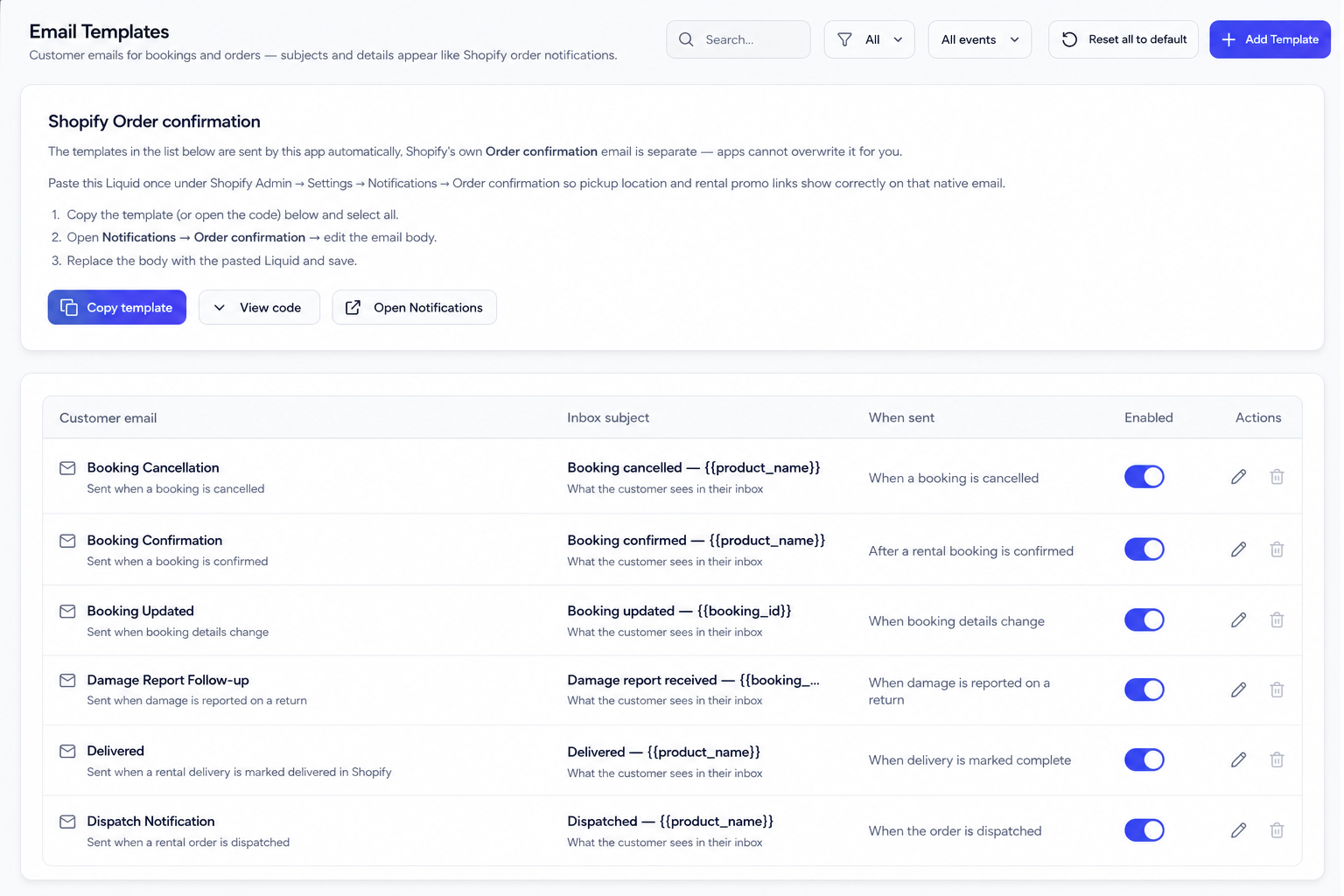
Shopify Order confirmation (required)
Rental Suite does not overwrite your Shopify order emails automatically. Copy the Liquid snippet from the app and paste it in Shopify Admin—the same steps as Getting started in the app.
- In Email Templates, copy the Shopify Order confirmation Liquid snippet.
- Open Shopify Admin → Settings → Notifications → Order confirmation → Edit code.
- Paste the Liquid and save so pickup location and rental promo lines appear on order emails.
Rental Suite email templates (optional)
Most shops use the defaults we enable. Turn on additional sends when you need them.
- Open Email Templates and turn on booking, dispatch, return, or subscription emails you need.
- Customize subject and body per template if needed.
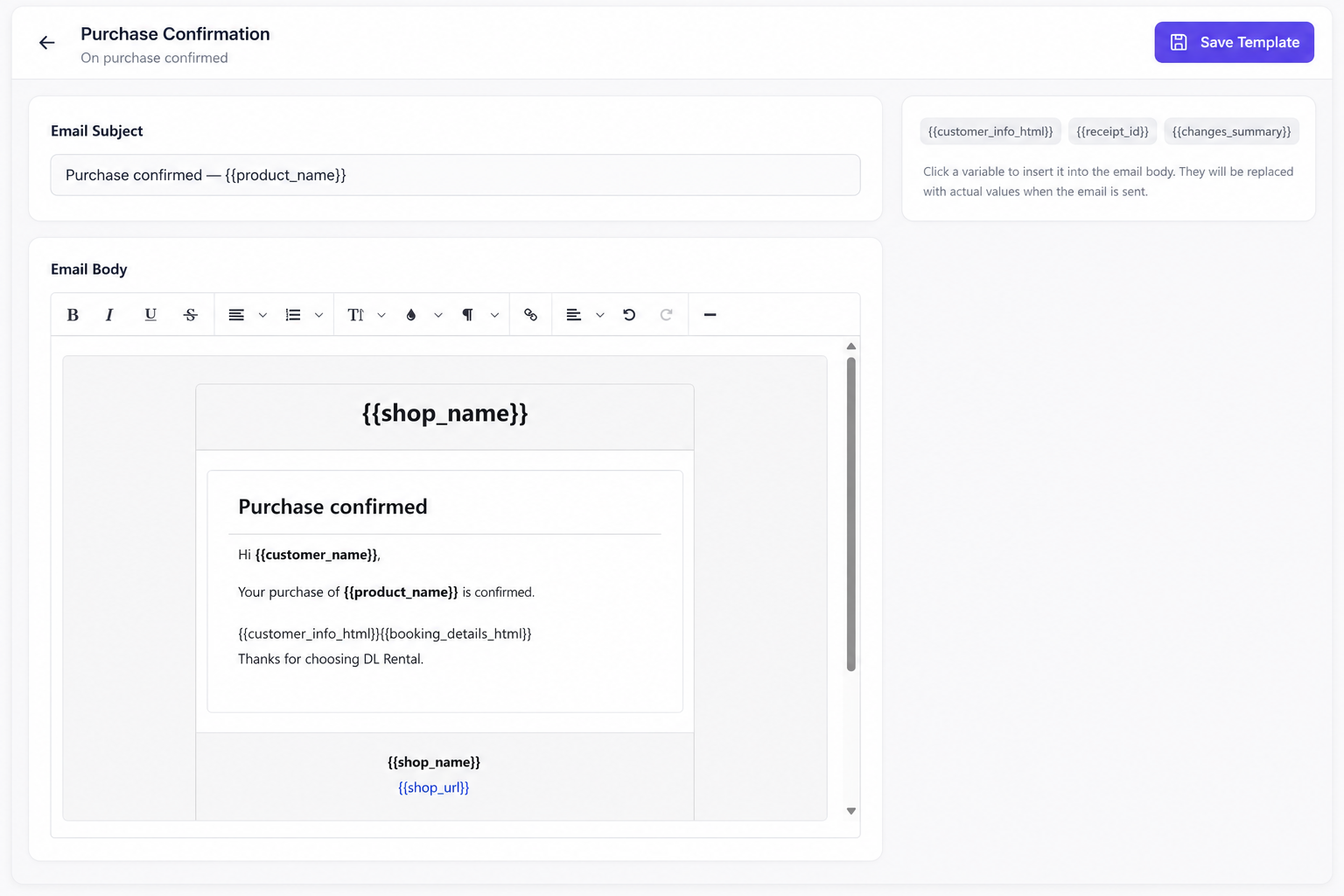
Edit a template
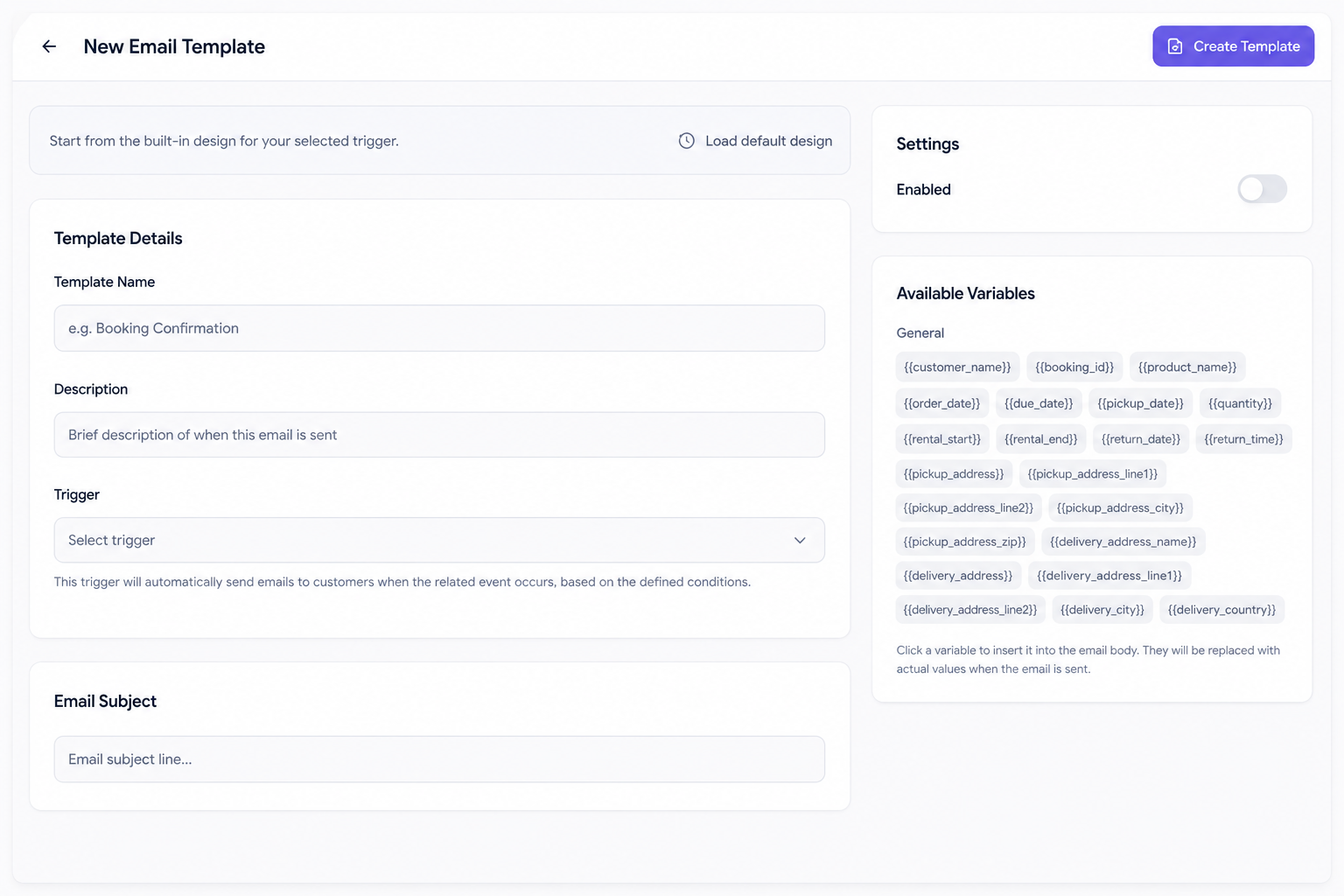
Open a row to change subject and body. Check triggers and merge variables on the settings side so each send matches the rental event you expect.
In-app notifications
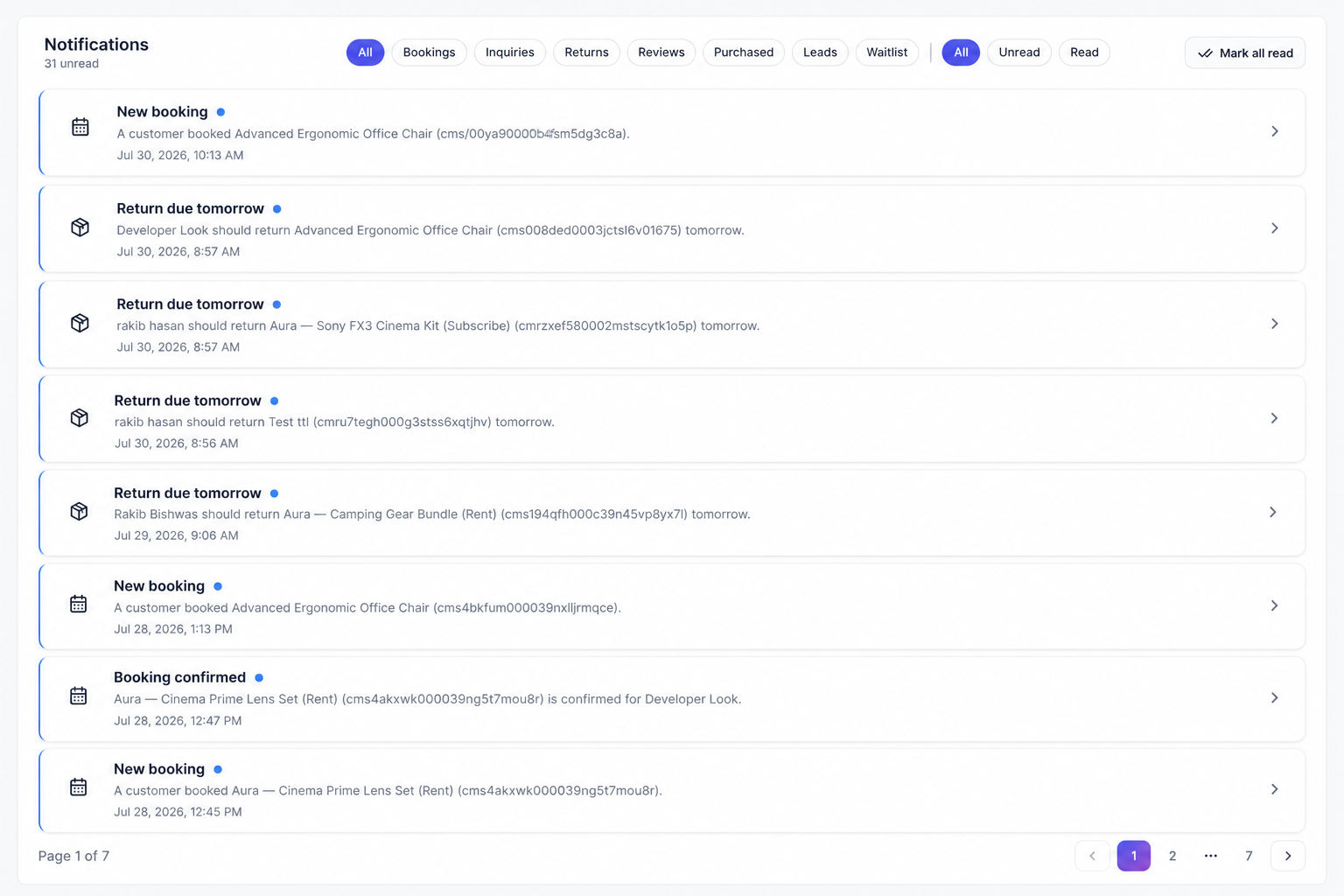
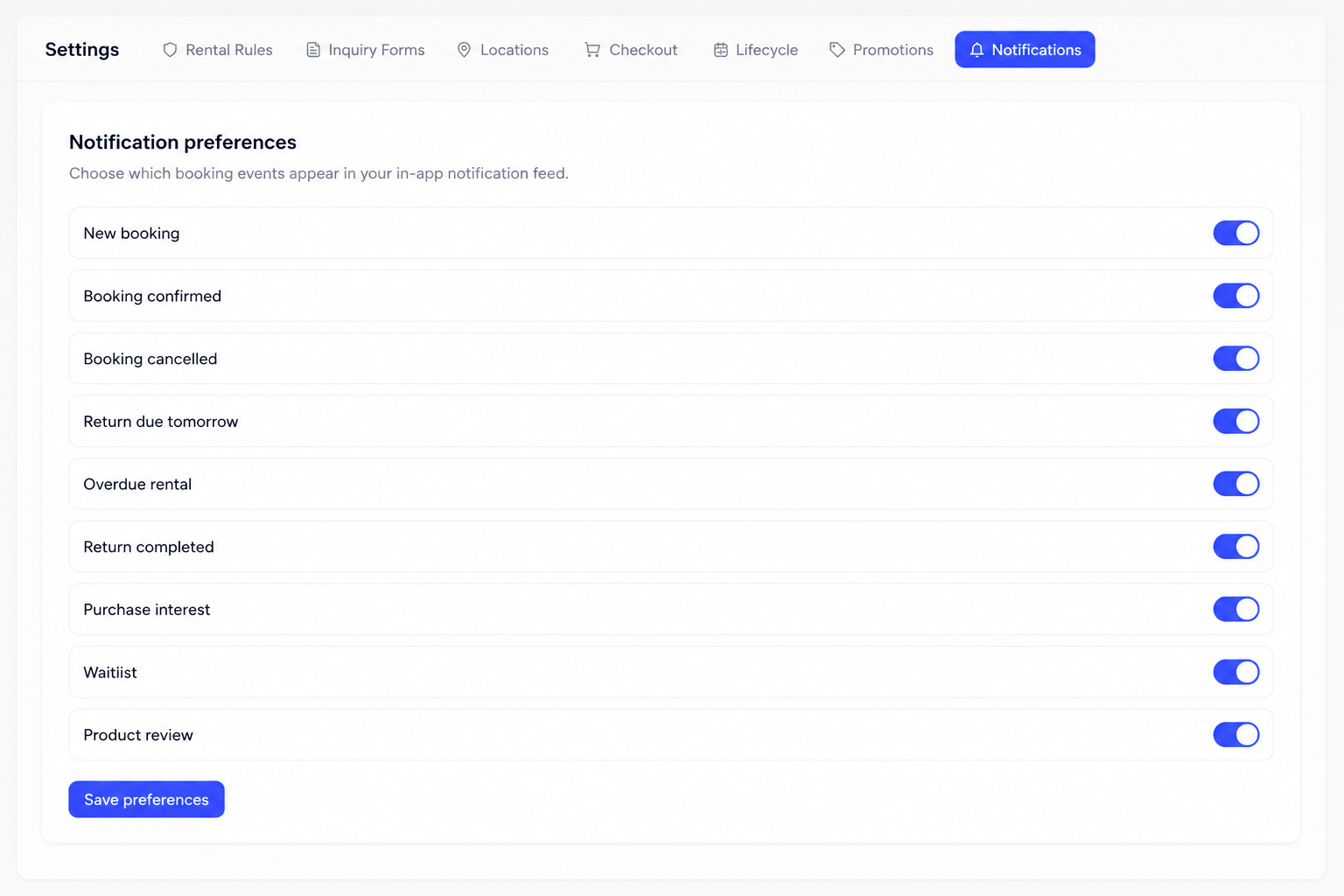
The Notifications list keeps the team aware of bookings, inquiries, and related events. Use preferences to tune which alerts appear.
Tips
- Reset to defaults when you need a clean starting point.
- Use Contact customer on inquiries alongside templates.