Create a booking (New Booking)
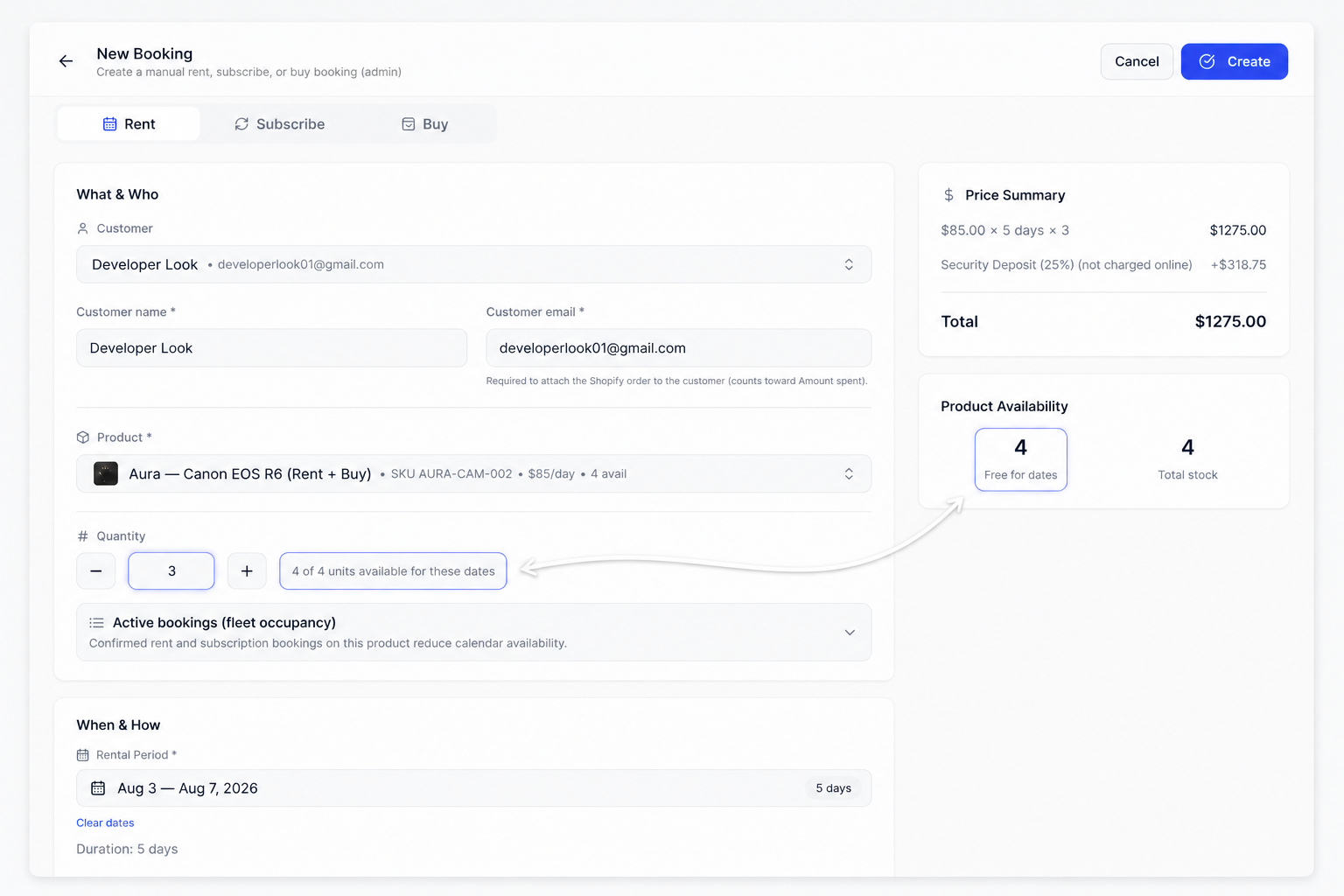
Use New Booking when you create a rental in admin (phone, walk-in, or converting a quote) instead of storefront checkout.
Steps
- Open Bookings → Rentals (or Subscribe).
- Click New Booking.
- Choose customer and product (SKU).
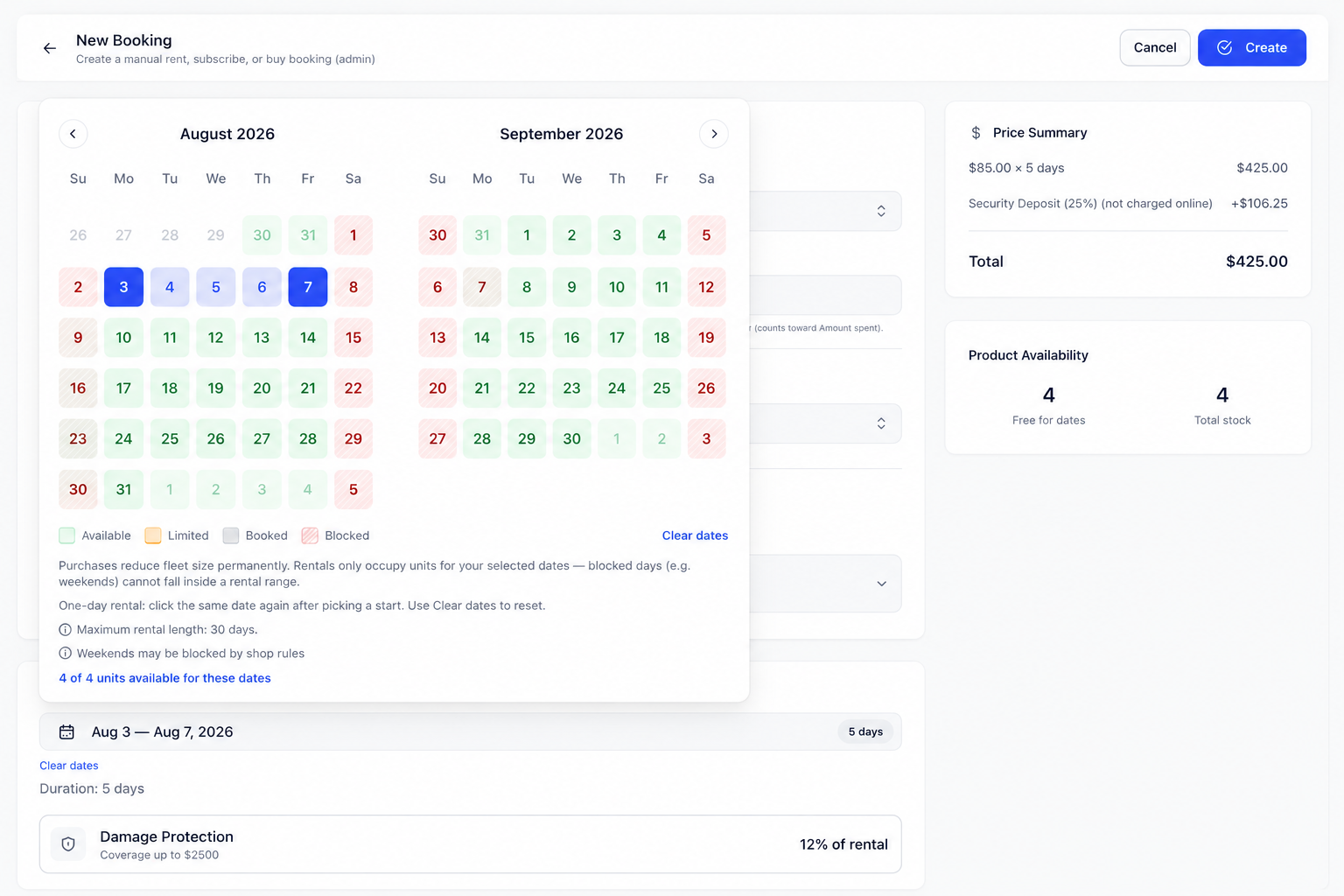
- Pick dates (rent) or plan (subscribe) as required.
- Confirm live stock / serial unit when prompted.
- Save. inventory follows the same sellable rules as the storefront.
Serial units
When the product is serial-tracked, pick a unit allowed for that mode (Rent / Subscribe use the shared pool; Buy can use buy-only lanes).